
Screen Mirroring: How to Connect a Phone to a TV?
Many of you might not have known until now that Android and iOS smartphones offer a screen mirroring feature. What is it exactly? In short – the video you are currently watching on your mobile phone can easily be transferred to your TV screen. How do you connect these two devices?
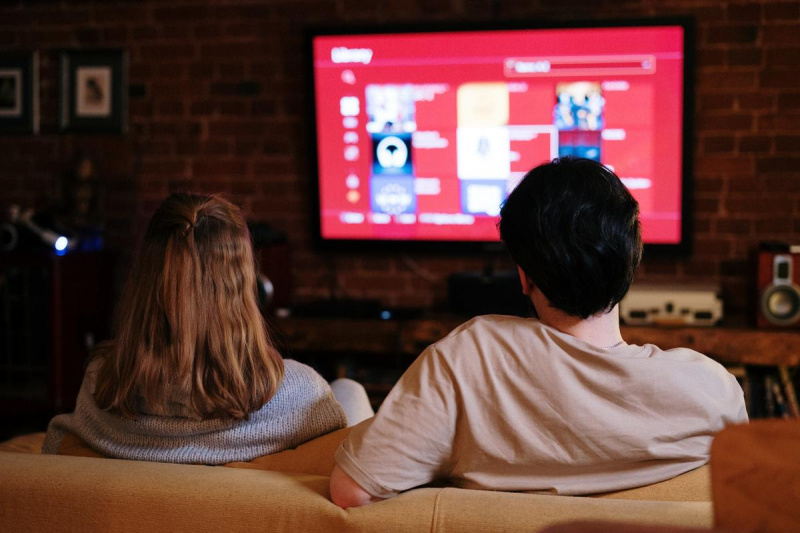
What is screen mirroring?
Nowadays, many people would prefer to watch content from their phones directly on a big screen. However, many don't know how to do it and end up using complicated methods. They download their favorite movie to a USB drive and then plug it into the TV. But what if you want to watch something on Netflix or a YouTube video? There is another, much easier way, without the need to download anything.
Screen Mirroring allows you to cast content from your smartphone display to your TV screen in real-time and enjoy multimedia in higher resolution. It doesn't have to be just movies; you can also use it to view memorable photos, videos, or notes from your phone. There are absolutely no limits.
How to connect your phone to a TV?
It's very simple. You may have previously transferred a laptop's display to a TV for an enhanced movie experience. All you needed for that was an HDMI cable.
Connecting your phone to a TV via cable
Connecting your TV with your phone using a cable is one of the fundamental methods. It's a functional solution, but it has its flaws regarding comfort. Standard HDMI cables (or USB-C/Lightning to HDMI adapters) are usually short, meaning the phone must be placed right next to the TV, and you can't comfortably use it from the couch. However, some might appreciate this if they don't want to be distracted and plan to focus solely on the movie itself.
Another disadvantage is that while mirroring, it is often not possible to charge the phone unless you use an advanced adapter with an extra power input. For many users, this can seem slightly impractical.
Screen sharing on a TV via Wi-Fi
The wireless method is much more comfortable and overall more popular among users because no cables restrict you. The basic requirement is that both your Smart TV and smartphone are connected to the same Wi-Fi network.
Connecting a TV with a phone – Android
For comfortable mirroring from Android, a TV with Android TV support or a built-in Chromecast feature is ideal. This is a protocol developed by Google, making content transfer as simple as possible.
Just go to the display settings on your smartphone, start screen mirroring, and you're done. However, this method of full-screen mirroring has one pitfall: the TV will display exactly what is on your screen. If you don't want your friends to see incoming messages and notifications, you can use the "Cast" icon directly inside supported apps (like YouTube or Netflix) instead of full mirroring. This will cast only the video itself, allowing you to freely continue using your phone.
How to connect a phone to a TV – Apple
Apple devices communicate exceptionally well with each other, which is one of the reasons for their high popularity. Screen sharing here is intuitive, fast, and seamless.
Screen sharing to a TV in this ecosystem is done via the AirPlay feature, supported by the Apple TV media center or directly by many modern Smart TVs. Just open the Control Center on your iPhone or iPad, select "Screen Mirroring," and you can instantly enjoy a new action blockbuster on a large screen.

How to pair your phone with a TV using Chromecast
If your TV isn't "smart," you can still manage screen mirroring thanks to a handy device called Google Chromecast. You simply plug this small module into a free HDMI port on your TV and connect it to your home Wi-Fi. You can then easily cast images, sound, movies, or videos straight from your smartphone to it.
Screen mirroring via apps
Transferring images or multimedia from your phone's local storage to various types of smart TVs can also be handled by useful third-party applications, such as AllCast or LocalCast.
How to pair a phone with an LG TV?
You often ask us how to connect a phone specifically to LG brand TVs. These devices feature Screen Share technology, which allows you to mirror the screen from a smartphone or tablet. The procedure is as follows:
- Launch the Screen Share app or feature on your TV.
- Turn on the mirroring feature on your smartphone (e.g., Smart View, Cast, Screen Mirroring).
- Select your LG TV from the list of available devices.
- Confirm the connection and enjoy your favorite show on the big screen.
Do you need advice regarding the devices in your Smart Home? Write to our e-mail, and we will provide professional advice as soon as possible.