
Homey has officially launched its highly anticipated new feature, Homey Dashboards, for all customers. Homey Dashboards offers everything you love about Homey in one place. Quickly create customized control panels with beautifully designed widgets that bring new ways to manage your smart home. You can easily design your entire screen—whether on a tablet or a smartphone—down to the last detail. Want to keep an eye on your camera? No problem. Need quick controls for specific devices right at your fingertips? Absolutely. Want to see the weather, the ISS position in the sky, consumption charts, temperature, or the media currently playing? You can do it all.
Custom and Intuitive
With Homey Dashboards, you can personalize your Homey experience using stylish widgets that provide real-time updates and handy controls at a single glance. You can even create multiple dashboards for different use cases, such as the first floor, home security, or the gaming room. Navigating between your different dashboard pages is incredibly simple.
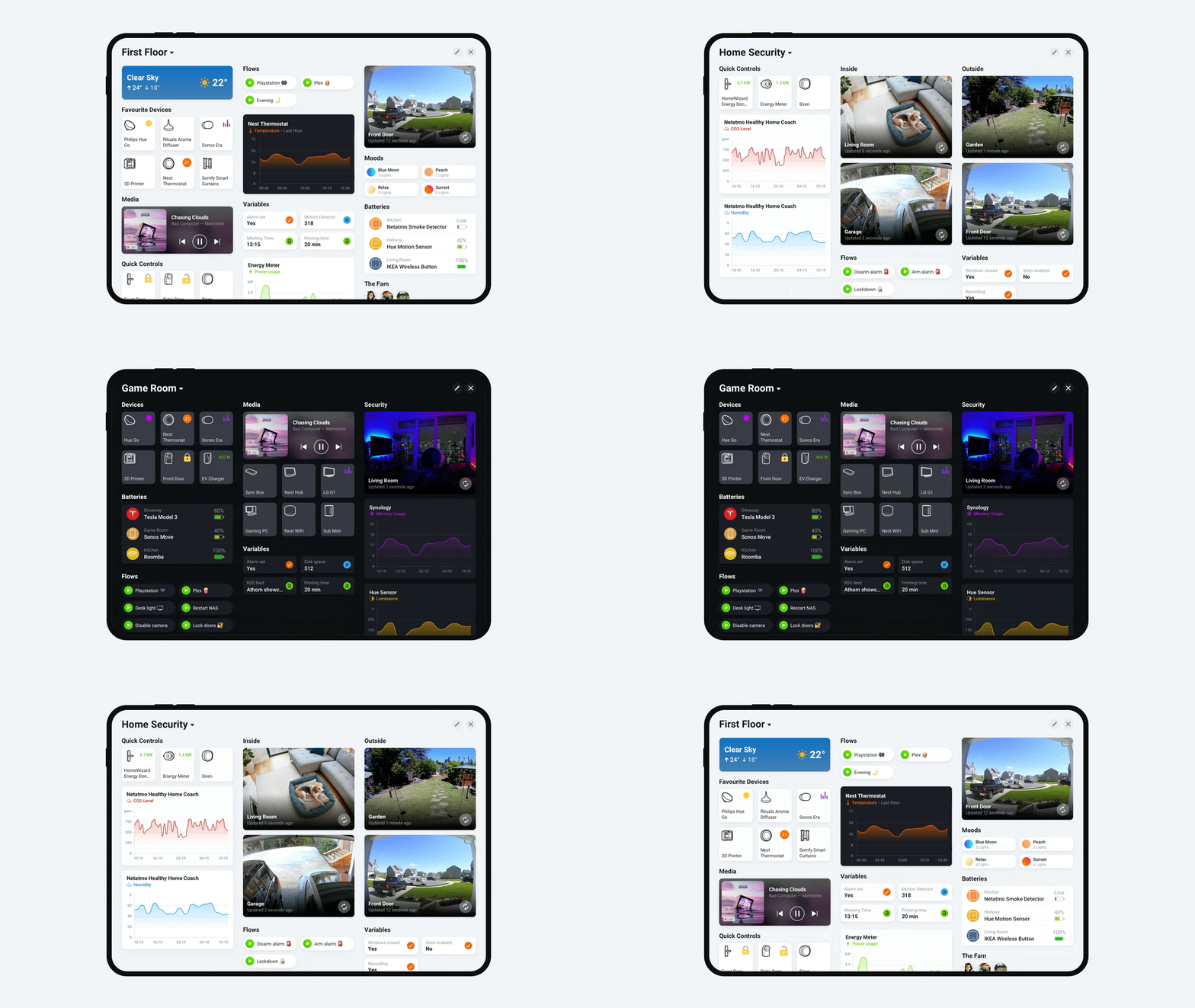
Innovative Column Layout
Homey Dashboards look and work great on both tablets and phones thanks to an innovative column-based design. Whether you are tracking energy consumption, monitoring security devices, or adjusting lighting, you can always manage your smart home from a single, easy-to-navigate view.
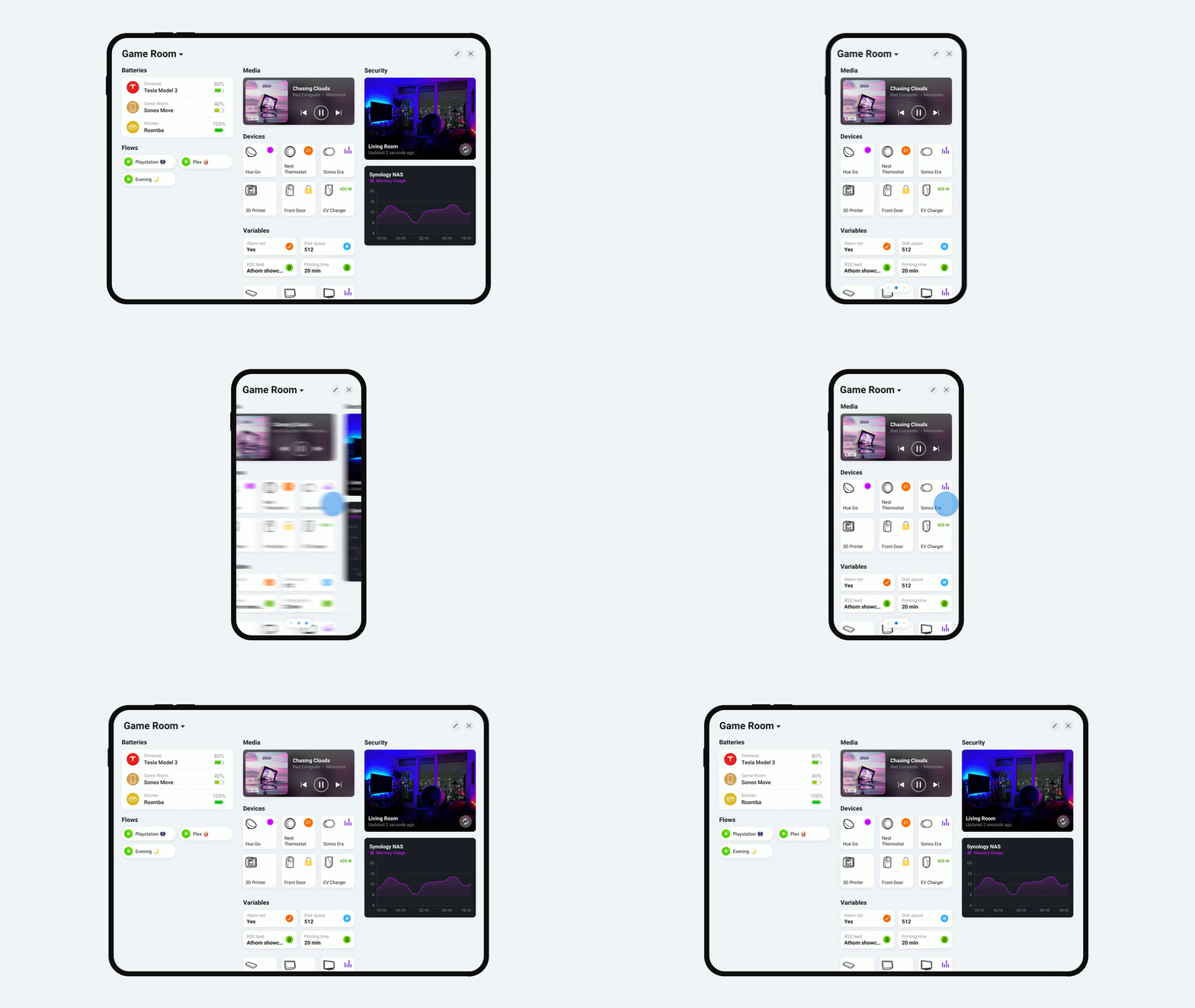
You can start creating dashboards on your phone by navigating to More (...) → Dashboards in the Homey app. On tablets, simply tap Dashboards directly on the tab bar. Additionally, you can create a private home screen dashboard that is only accessible to you and stored locally on your device. To do this, swipe down on your home screen and tap Customize.
Built-in Essential Widgets
Homey includes over 25 unique built-in widgets that you can add to any dashboard. These widgets cover the core Homey functions you know and love, such as Devices, Flows, Moods, Stats, Logic, Cameras, and more.
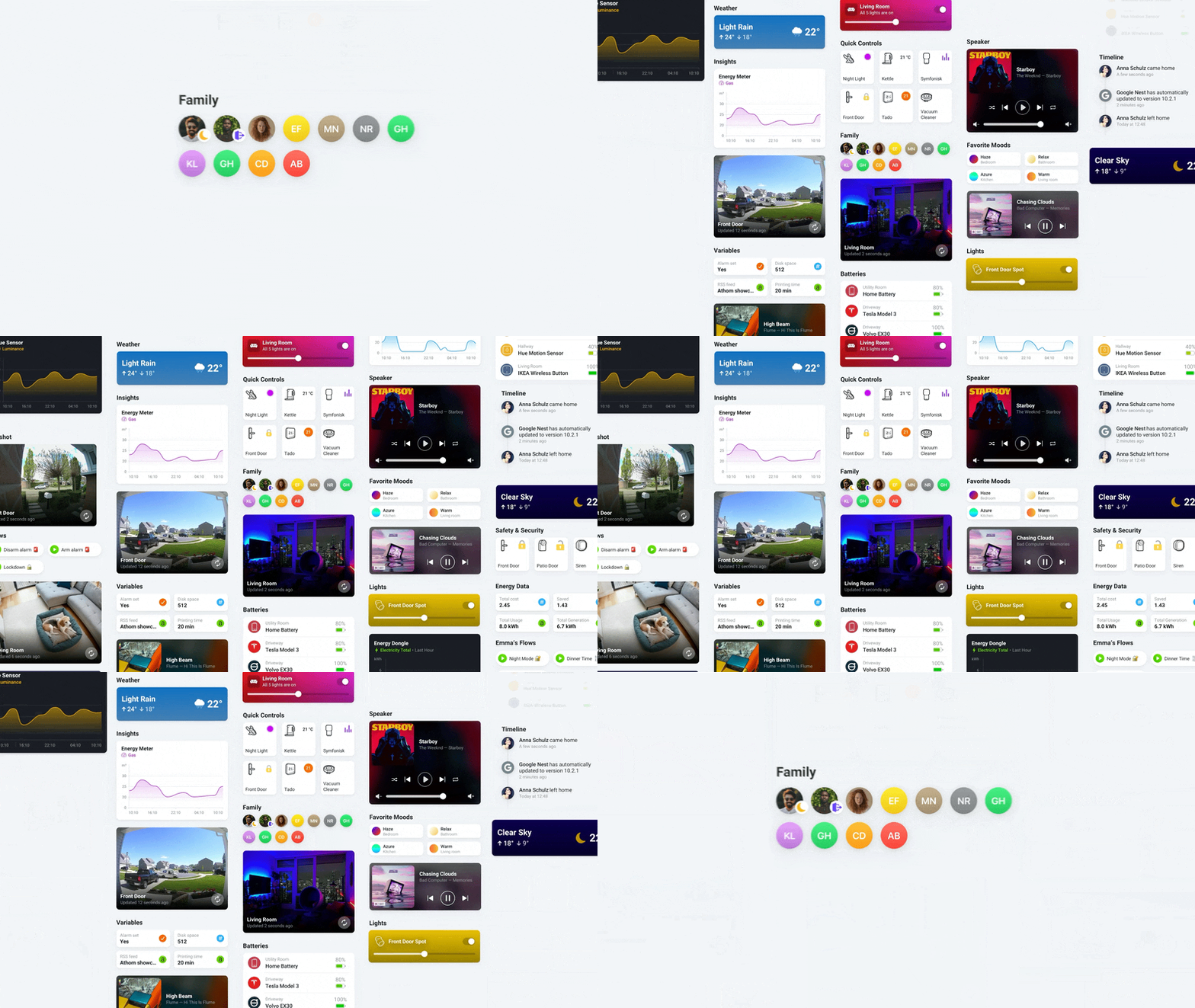
App Widgets
You can expand dashboard functionalities by adding widgets created by the Homey developer community. Visit the Homey App Store and explore the unique creations already available—there is a special filter for Homey apps that feature widgets. Just like with device support, the true power of Dashboards lies in their ability to integrate with all apps. And widgets are being added rapidly in this space.

For developers, creating widgets is where the real fun begins. For example, you can create gorgeous widgets for task reminders, rain alerts, package deliveries, plant care, waste collection, IMDb watchlists, or anything else that fits your Homey setup. Get started by reading the documentation and build your very first widget.
Dashboards Availability for Homey Users
Homey Dashboards is now available for Homey Pro (Early 2023) and Homey Cloud (both Free and Premium), starting with Homey Pro v12.1.0 and the Homey app v9.0.0. Owners of the older Homey Pro (2016 — 2019) can purchase Homey Dashboards for a one-time fee of €25. Make sure you update your app and check that you are running the latest firmware.
Why do we charge a one-time fee for older devices?
We strongly believe in updating what works great instead of forcing you to buy new hardware. By allowing you to add new features to your older Homey for a small, one-time fee, we can continue to develop exciting innovations. This way, all Homey users—even those with previous-generation devices—can continue to enjoy their hardware. Of course, Homey Pro (2016 — 2019) will always continue to receive free regular and security updates.
Want to know more?
Watch the video podcast celebrating the launch of Homey Dashboards to learn everything and much more.