
Homey Portal – Touchscreen Display for Homey
Code: HOMEY-PORTAL.png?6a0ecbfc)
.png?6ae8779e)
Related products


Product detailed description
✨ A smart home control panel anyone can understand
Homey Portal is a touchscreen smart home controller featuring a round 2.8″ display and a stainless steel rotary dial. Place it on a table or mount it on the wall to control lights, music, temperature, energy consumption, and scenes – all without searching for your phone. Tap, turn, swipe: the exact three gestures you've used to interact with physical objects your whole life.
Portal is not a central hub, but a control panel for your Homey. Out of the box, it works with Homey Cloud, Homey Pro (2023–2026), Homey Pro mini, and Homey Self-Hosted Server. Each Portal belongs to a specific zone – like the living room – and controls everything within it, including nested sub-zones. This makes it usable for anyone in the room, not just the person with the app on their phone.
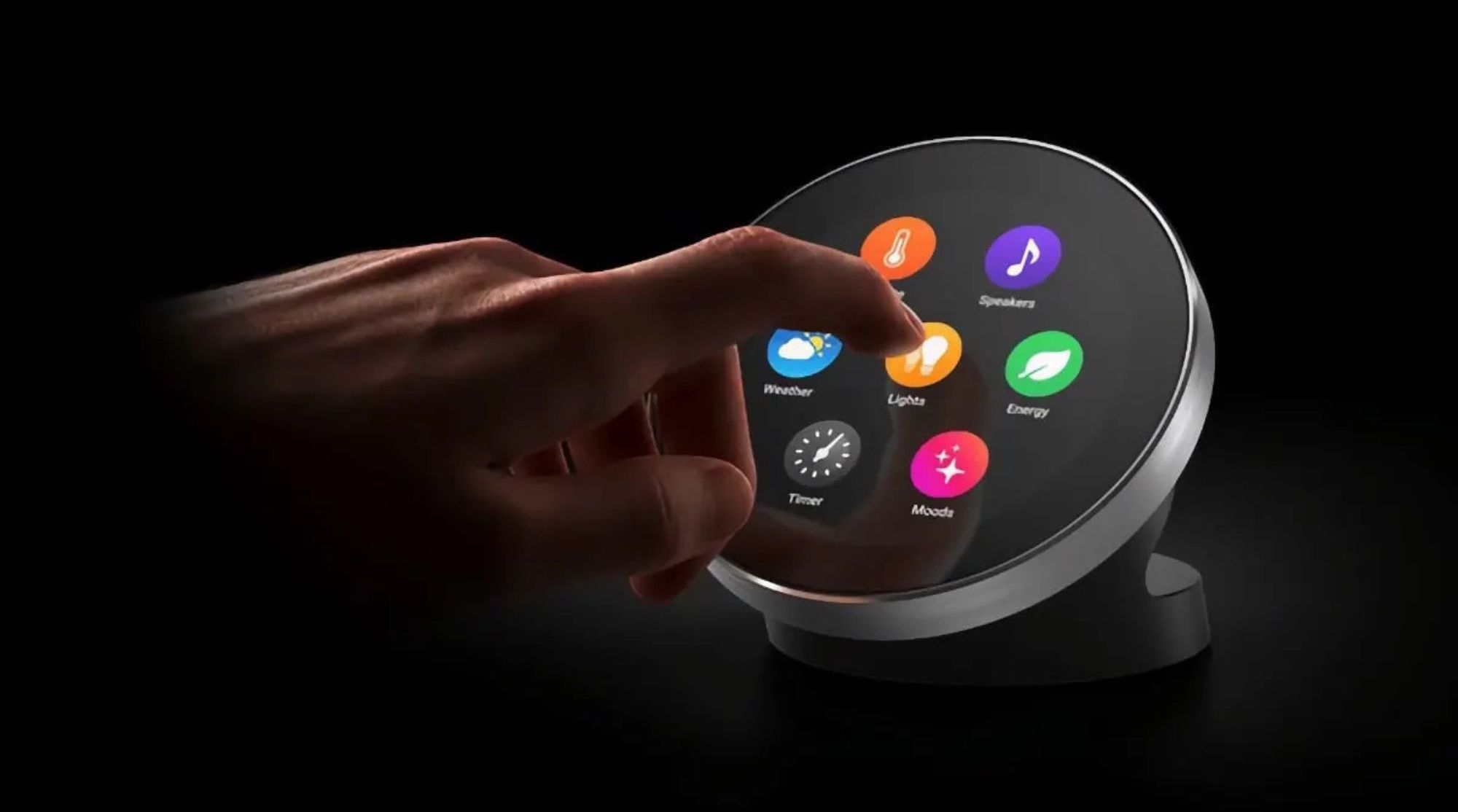
Tap, turn, swipe – three gestures for the entire room
All controls rely on three movements. Tap to switch on or off – all lights in the zone at once or a specific one. Turn the stainless steel ring to adjust brightness, volume, target temperature, or timer duration; the ring features a magnetic rotation sensor for smooth and precise response. Swipe across the display to select light colors or white light temperature. Nothing to learn and nothing to read – the smart home controller behaves exactly as you would expect a physical controller to.
Additionally, the display wakes up automatically: the proximity sensor detects when you're nearby, and Portal instantly shows you what's relevant for that room.
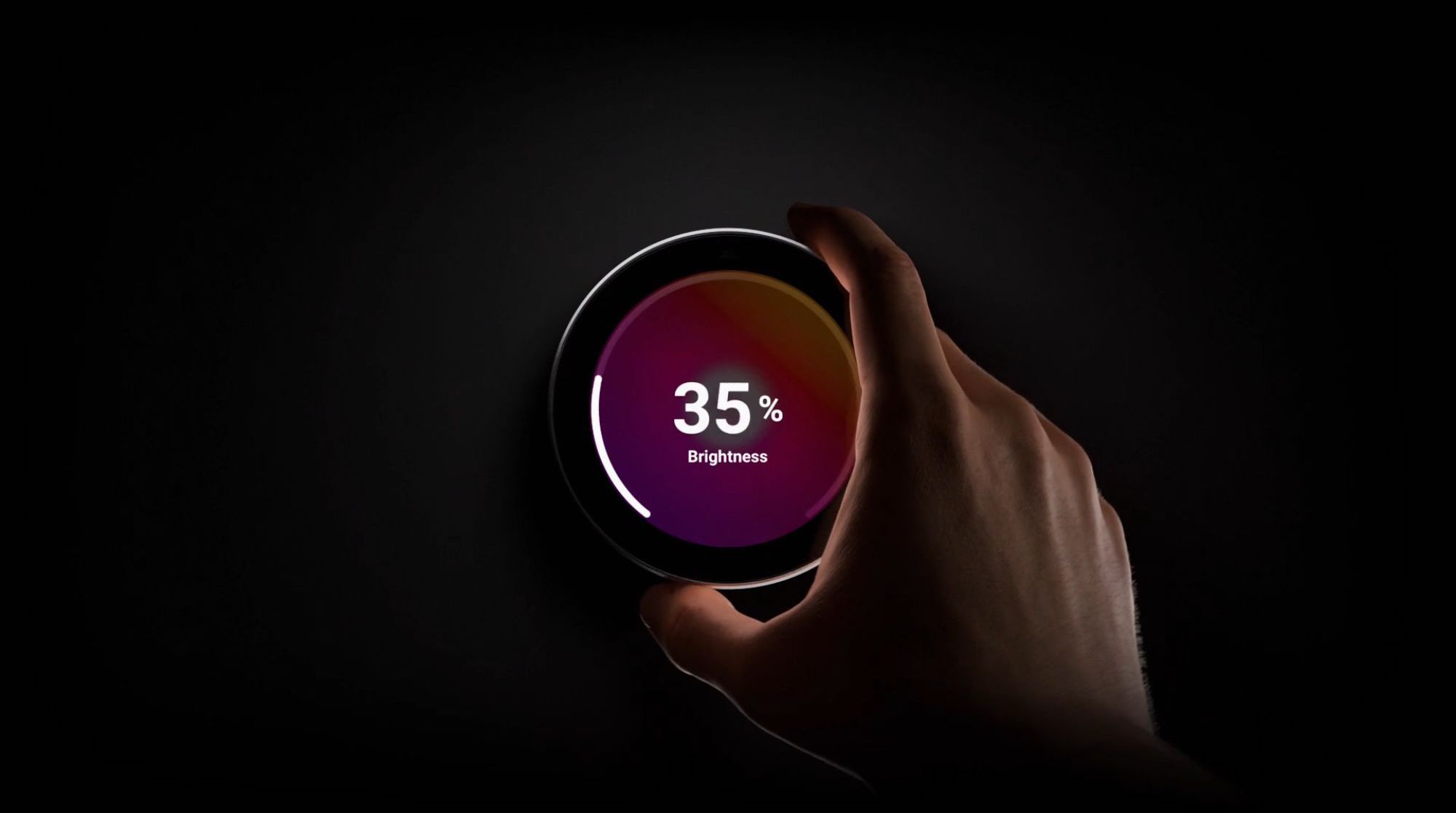
Lights: replace every switch in the room with just one
Instead of five light switches, two remote controls, and an app, you have one wall-mounted smart home controller. Tap to toggle the entire zone, turn to fine-tune brightness, and swipe the color wheel to change light color or temperature. A single tap activates a Mood – preset light scenes from "Reading" to "Cyberpunk" – adjusting the entire room at once.
If you're building your smart home step by step, Portal integrates seamlessly with everything already paired with Homey. You can complement it with products from our Homey-compatible products category.
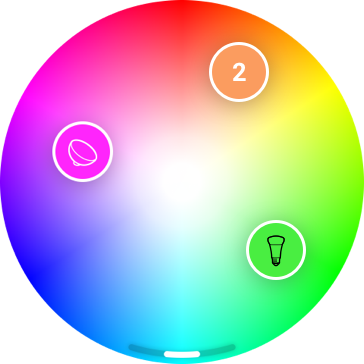
Speakers: volume control at your fingertips
See the artist, track title, and album art directly on the screen. Turn the dial to change volume, swipe to skip tracks, and tap to pause playback. Instead of searching for your phone, a single hand gesture is all it takes – even when your hands are covered in flour in the kitchen.
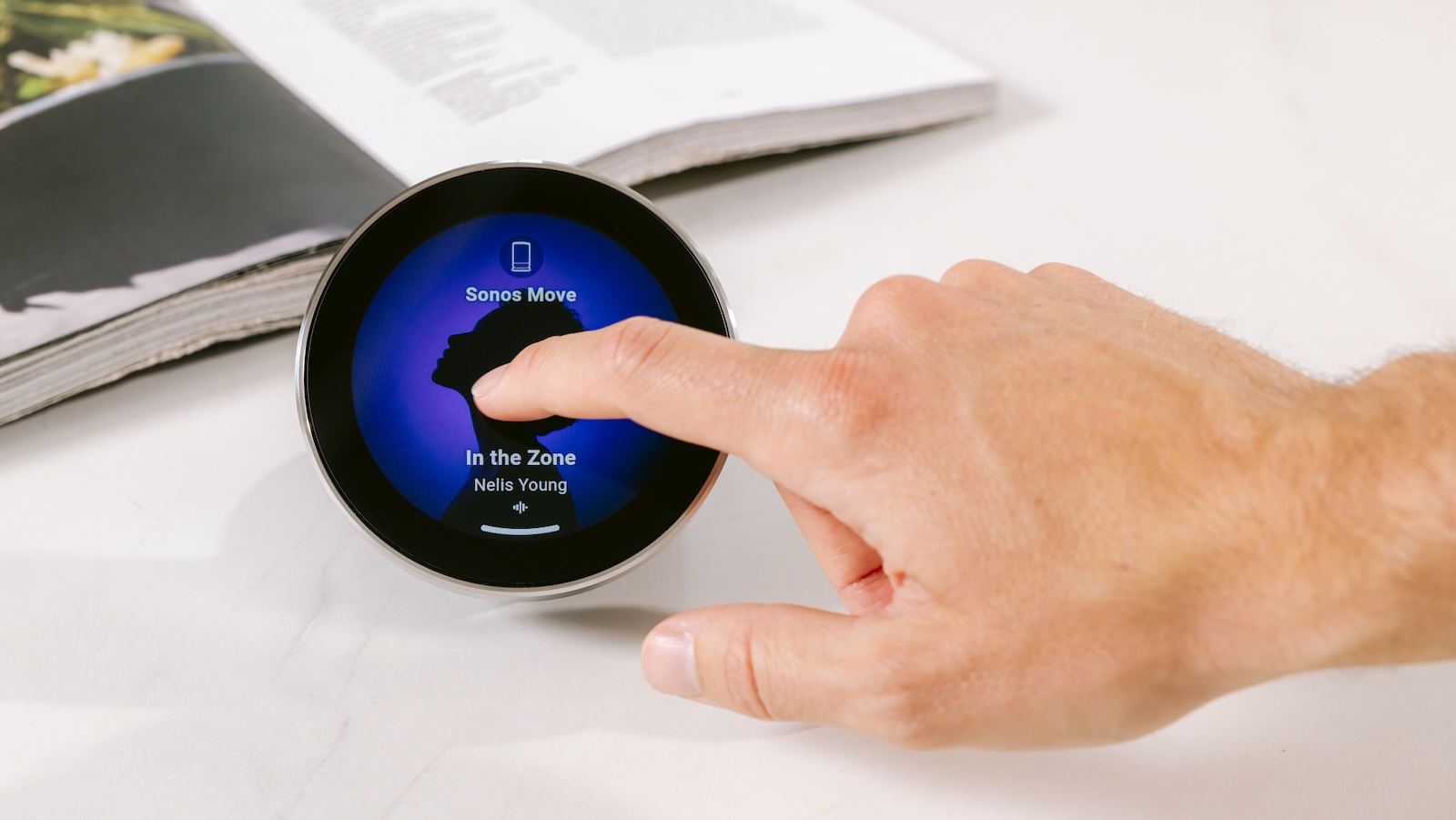
Climate: set temperature with a turn, not an app
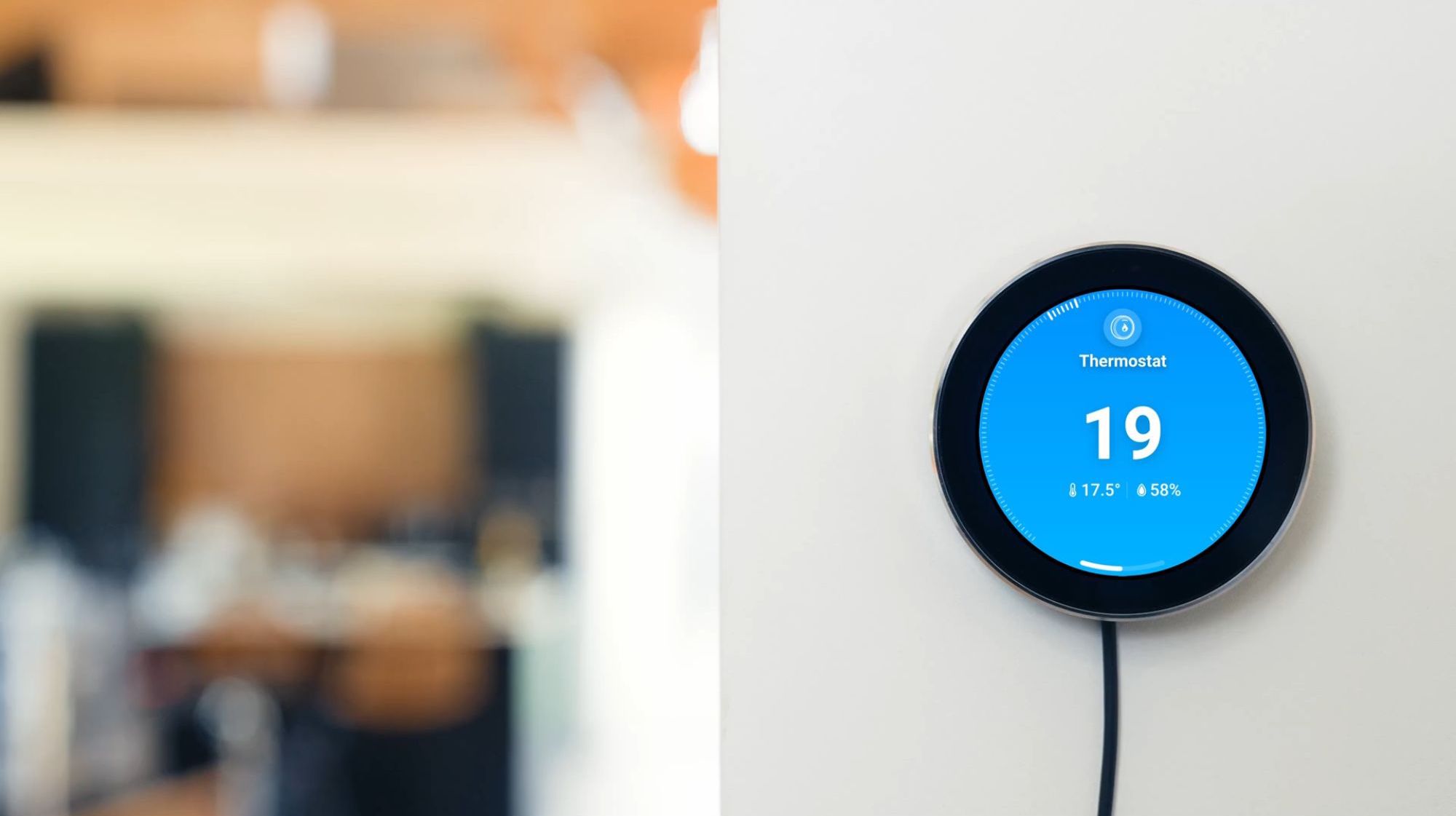
View current temperature, target temperature, and humidity all on one screen. Colors say it all: orange means heating, blue means cooling. Turn the dial to change the target temperature, tap to switch modes – Auto, Heat, Cool, or Off. Portal doesn't communicate directly with your boiler; instead, it controls connected thermostats, radiator valves, and AC units.
Energy: see what's usually invisible
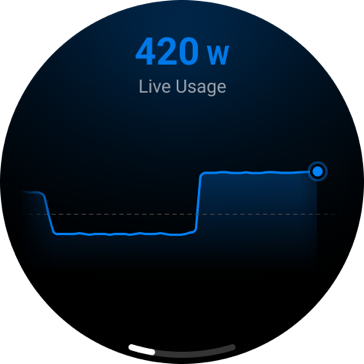
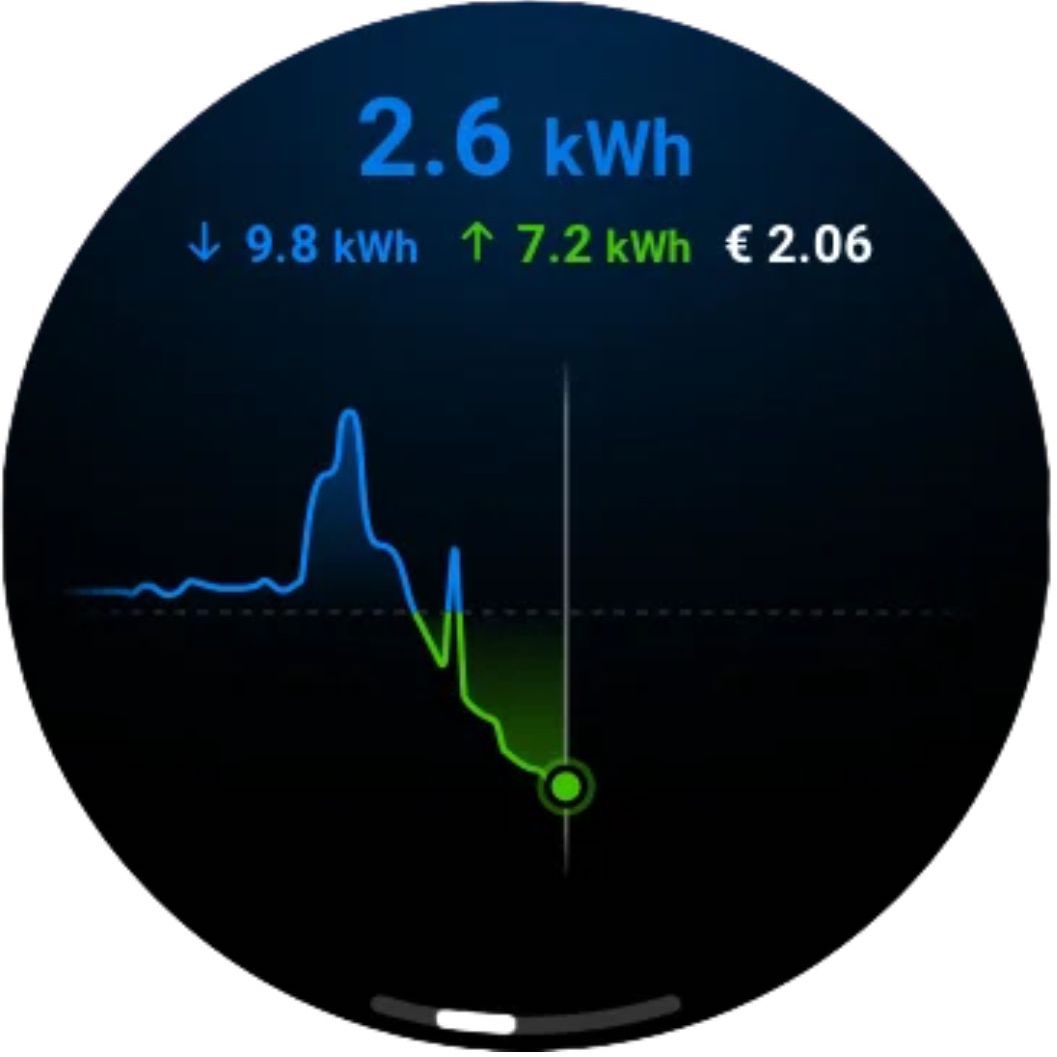
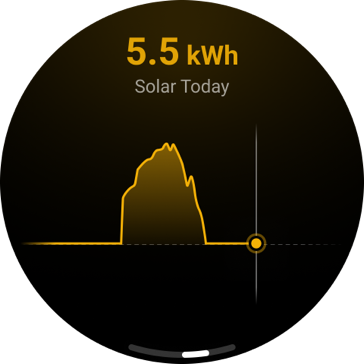
Portal displays real-time power consumption in watts – the line rises and falls dynamically as appliances turn on and off. At a glance, view today's usage, grid feed-in, solar generation, and current electricity prices including the cheapest hours of the day. If you schedule EV charging or laundry during off-peak hours, you can monitor it on the wall without opening an app.
Energy monitoring requires a Homey Energy Dongle or a third-party smart meter. Homey Cloud requires a Premium subscription unless using a Homey Energy Dongle.
Timer and weather right on the display
Set a timer by turning the dial or tapping a preset duration – from a 6-minute egg to a 1-hour focus session. When time is up, the screen lights up, Portal beeps, and can trigger a Flow directly (e.g., turning off the lights in the kids' room).
The weather app shows hourly and weekly forecasts complete with high and low temperatures. The display background adapts dynamically to live weather conditions outside – clear, cloudy, or night-time.
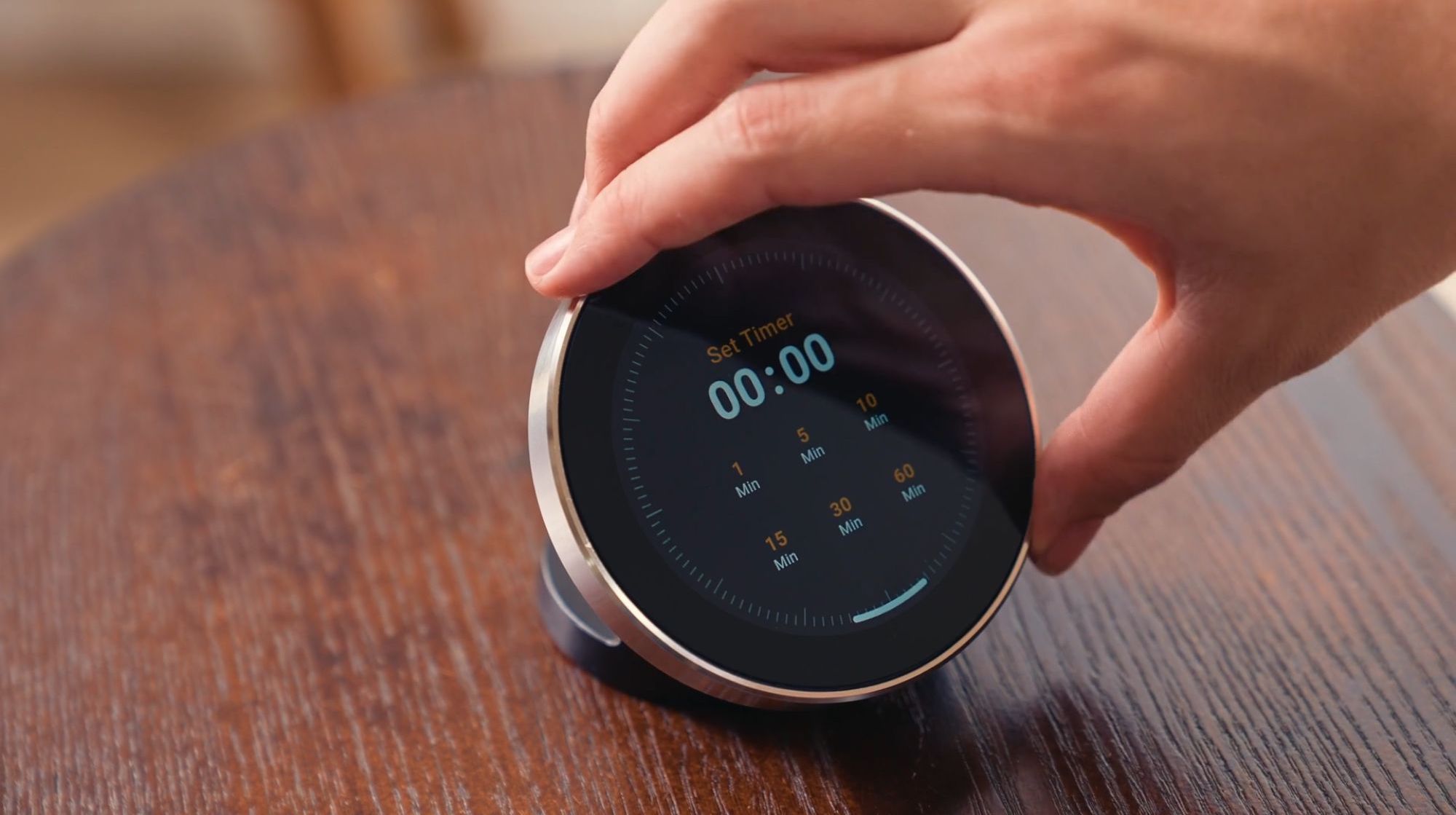
Customizable home screen – and double-tap quick actions
Pin your most-used Flows, Moods, or specific devices to the home screen, add multiple pages, and rearrange icons to your liking. A Flow can also send notifications directly to Portal for one-tap confirmation: "Close blinds?", plant watering reminders, or a live video feed from your doorbell camera when someone rings – leaving your phone untouched.
Double-tap to trigger your favorite quick action for that zone: toggle lights, launch a Flow, set a Mood, or pause music.
If placing Portal where guests or visitors have access (office, rental apartment, Airbnb), you can hide standard icons and display only allowed shortcuts. Settings can only be modified via the Homey app, ensuring no one tampers with your configuration.
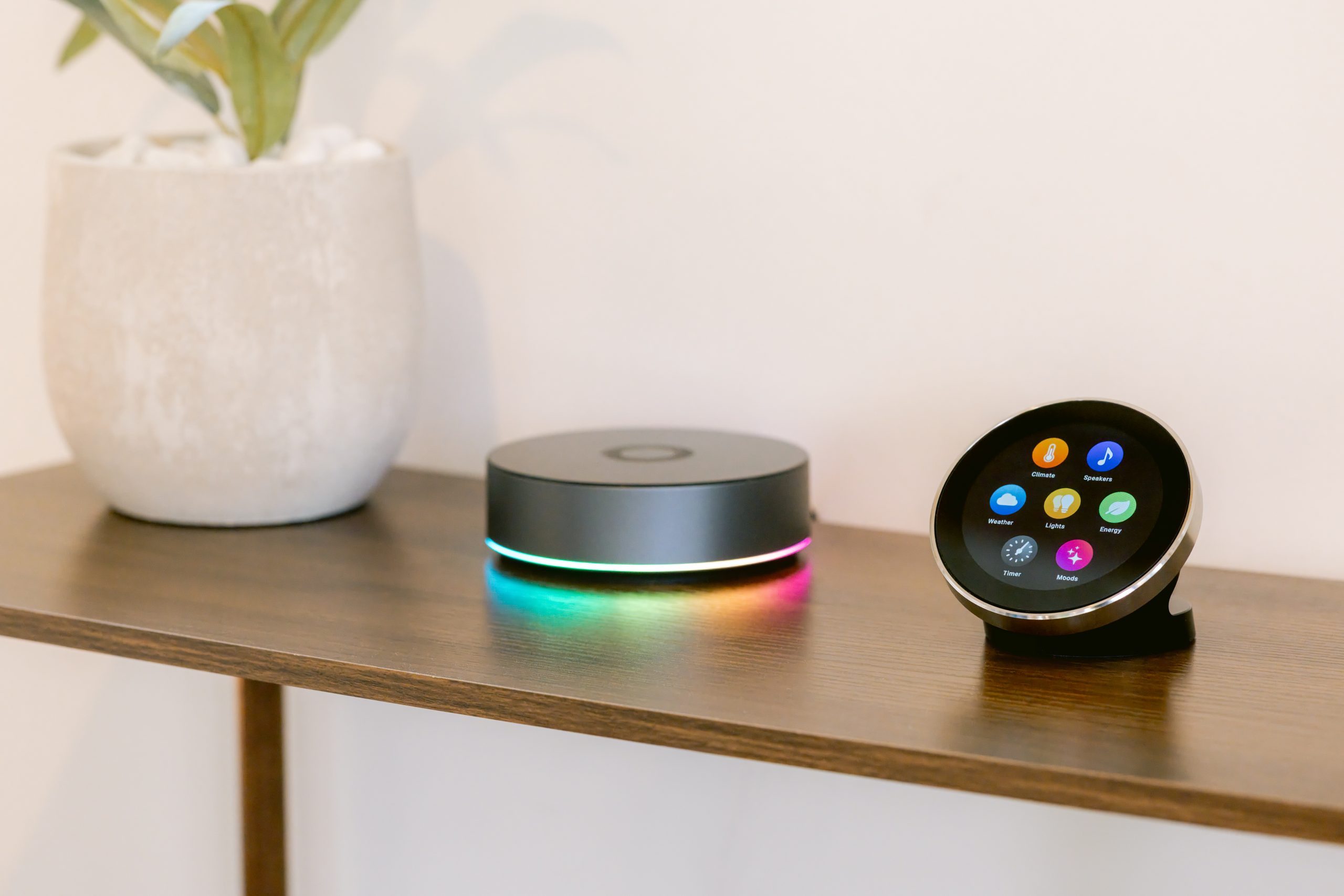
What's inside: hardware built to perform
Beneath the stainless steel dial lies a 2.8″ round touchscreen, a quad-core Cortex-A55 processor, capacitive touch sensor, magnetic rotary sensor, proximity sensor, integrated speaker, and USB-C port. No batteries to recharge – Portal is continuously powered via the included USB-C adapter, ensuring it's always ready to respond.
Tabletop or wall-mounted – and what's in the box
The choice is yours. The table stand snaps into the base tool-free with cable routing to the back. The wall mount installs easily using the included screws and anchors right where you need it. Additionally, the manufacturer provides a free 3D reference schema so you can 3D-print your own custom mount.
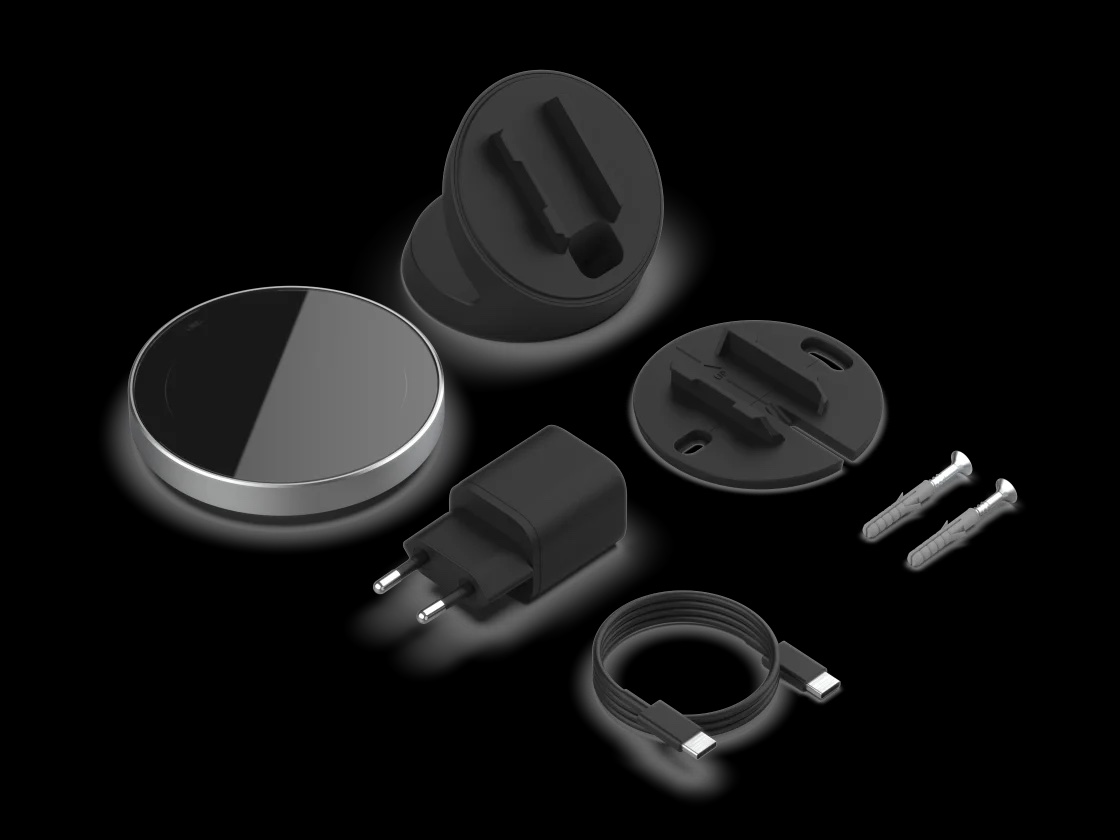
Fits right into your Homey ecosystem
Portal is the missing piece: phones and tablets remain for deep settings, the smart hub Homey handles all automation, and Portal is what you physically interact with. Since Homey supports over 70,000 devices across 2,000+ brands and protocols such as Matter, Zigbee, Z-Wave, and Thread, Portal unifies control over devices that otherwise wouldn't speak to each other.
If you don't own a Homey hub yet, start with Homey Pro mini or go all-in with Homey Pro (2026).
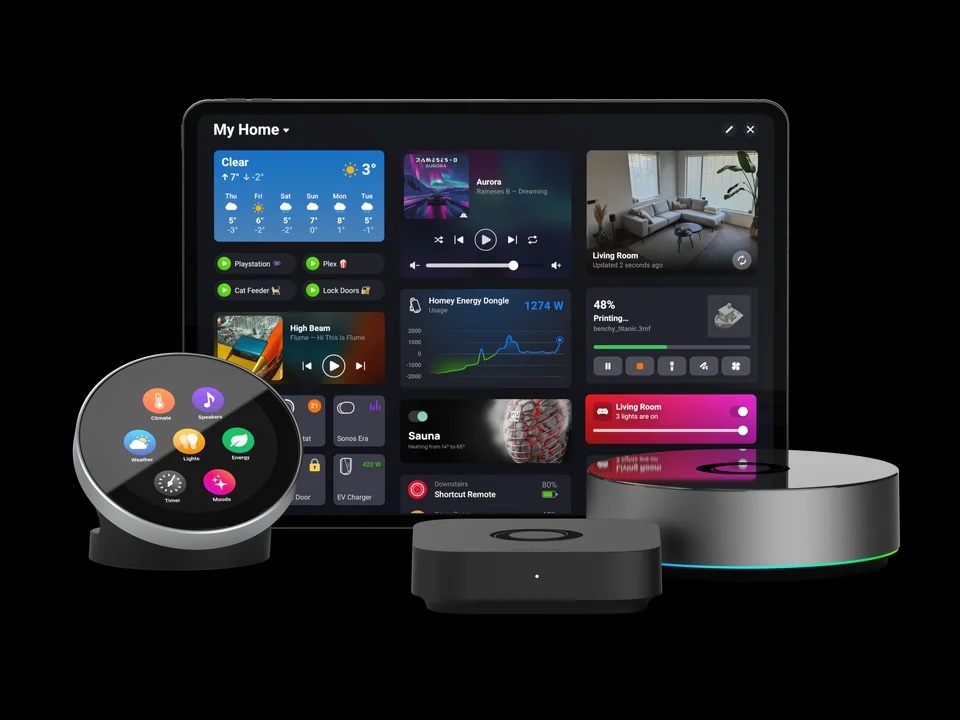
Who Homey Portal is designed for
- Families and households where everyone uses smart home features – kids and grandparents can easily tap and turn, without needing a mobile app.
- Owners of Homey Pro, Pro mini, Homey Cloud, or Self-Hosted Server who want a physical wall or tabletop control panel.
- Homes with a mix of brands (Philips Hue, Sonos, Aqara, Shelly, FIBARO…), seeking a single unified interface instead of five separate apps.
- Renters and homes without wiring modifications – simply place Portal on a table and plug it in.
- Apartments, offices, and shared spaces where guests should only control designated devices.
- Homes with solar panels or EVs wanting to keep real-time energy usage and spot prices visible.
Use cases 💡
- Living room lighting control without a phone – a single tap turns off everything, a dial rotation dims lights for evening reading.
- Adjusting bedroom temperature before sleep – turn the dial to adjust the radiator valve, no app needed.
- Kitchen music playback with busy hands – change volume and skip tracks with a quick gesture.
- Real-time electricity monitoring – see what's drawing power and track off-peak energy rates.
- Kitchen timer that triggers smart scenes – automatically dims lights or turns on the range hood when the timer expires.
- Doorbell camera video preview – see who's at the door and confirm access right from the display.
- Replacing multiple switches and remotes with a single panel during home renovations.
- Smart home access for guests or rental clients – restrict display shortcuts to approved controls only.
- Quick morning routine via double-tap – activate lights, music, and blinds simultaneously.
Key Features & Specifications
| Specification | Value |
|---|---|
| Manufacturer / Model | Athom (Homey) – Homey Portal |
| Device Type | Smart Home Touchscreen Controller (Tabletop / Wall-mount) |
| Display | 2.8″ round capacitive touchscreen |
| Control Dial | Stainless steel rotary ring with magnetic rotation sensor |
| Processor | Quad-core Cortex-A55 |
| Sensors | Proximity sensor, capacitive touch sensor, magnetic rotary sensor |
| Audio | Built-in speaker (timer chimes and notification alerts) |
| Port | USB-C |
| Power Supply | 5V DC / 3.0A Power Adapter (included), continuous USB-C power |
| Cable | USB-C to USB-C, 1.5 m (included) |
| Mounting Options | Tabletop stand and wall mount bracket included (with 2× screws & anchors) |
| Compatibility | Homey Cloud, Homey Pro (2023–2026), Homey Pro mini, Homey Self-Hosted Server |
| Zone Coverage | Single zone including nested sub-zones; pairs to one Homey hub at a time |
| On-screen Features | Lights, Music/Speakers, Climate, Energy, Timer, Weather, Moods, Flows |
| Configuration | Homey App for iOS and Android |
| Package Contents | 1× Homey Portal, 1× Tabletop Stand, 1× Wall Mount Bracket, 2× Screws and Wall Anchors, 1× 1.5m USB-C Cable, 1× 5V/3A Power Adapter |
Why Choose Homey Portal
- Intuitive control – tap, turn, swipe. Simple for everyone in the room, not just smartphone power users.
- One panel instead of wall clutter – replaces multiple switches and remote controls.
- Eight functions in one display – Lights, Music, Climate, Energy, Timer, Weather, Moods, and Flows.
- Premium tactile feel – stainless steel rotary ring and round touchscreen instead of plastic buttons.
- Zero rewiring required – tabletop stand and wall mount included, powered via standard USB-C.
Homey Portal is an extension of your smart home, not a hub replacement. Compared to Homey Pro mini or Homey Pro (2026), it doesn't add wireless protocols or automation processing power – it adds a physical control interface to your living space. If you don't own a Homey yet, start with a hub; if you already have one, Portal is the fastest way to bring control out of your phone and onto the wall.
Frequently Asked Questions
Store Reviews
★★★★★
"Fast, simple, fully satisfied :)"
Ondrej Tabák · store review on obchod.homesystem.sk · Aug 20, 2026
★★★★★
"Works as expected, fast delivery, highly recommend"
Tomáš Sadloň · store review on obchod.homesystem.sk · Jun 3, 2026
★★★★★
"Excellent communication. They kept me updated on dispatch and quickly resolved courier delivery issues."
Michal Poracký · store review on obchod.homesystem.sk · May 12, 2026
★★★★★
"Extremely satisfied with this store"
Ing. František Krajcár · store review on obchod.homesystem.sk · Apr 22, 2026
Additional parameters
| Category: | Homey Smart Home |
|---|---|
| Warranty: | 2 years |
| ? Wireless protocol: | WiFi |
| The item has been sold out… | |
Product rating
Be the first who will post an article to this item!
Discussion
Be the first who will post an article to this item!
 The Athom company focuses exclusively on top-tier Homey control units, which rank among the absolute best on the market thanks to their unmatched support for smart home protocols. Homey is the ideal choice if you want to integrate diverse WiFi and other smart devices into a unified system for your smart home. The system excels not only in intuitive control but also offers advanced programming capabilities using LUA codes via downloadable apps.